What Is IPTV? Unicast, Multicast and How OTT Delivery Works
IPTV is television delivered over the same networks as the web. How that delivery is structured explains almost everything about the viewing experience.
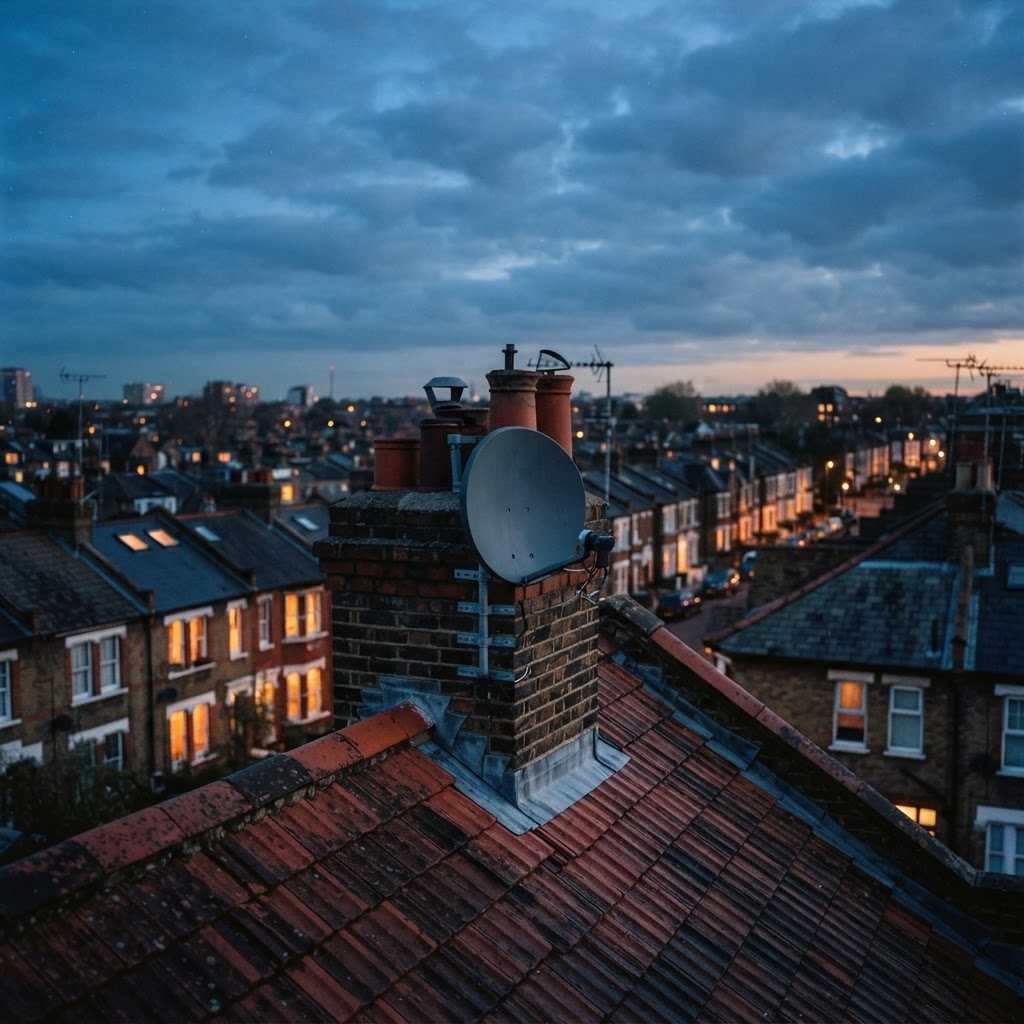
Direct answer: IPTV is television delivered over an internet protocol network instead of an aerial or satellite signal. The channel arrives as data packets over the same infrastructure that carries web traffic, which is why a broadband connection, a player app and login details are all you need.
Understanding how that delivery is structured explains most of what people find confusing about IPTV — why quality varies, why some services are more stable than others, and why server capacity matters so much.
IPTV compared with traditional broadcast
Traditional television is broadcast as a radio signal. Every viewer within range receives the same signal at the same moment, and adding another viewer costs the broadcaster nothing.
IPTV sends the stream to each viewer over a network instead. Adding a viewer costs the provider bandwidth and server capacity, which is the fundamental difference.
| Method | Delivery | Adding viewers | Typical medium |
|---|---|---|---|
| Terrestrial (Freeview) | Radio broadcast | No additional cost | Aerial |
| Satellite | Radio broadcast | No additional cost | Dish |
| Cable | Managed coaxial network | Limited by network capacity | Coaxial cable |
| IPTV | Data over IP network | Costs the provider capacity | Broadband |
That last row explains why IPTV quality depends so heavily on the provider's infrastructure. A broadcaster can serve a million viewers as easily as one; an IPTV provider cannot.
For the wider picture on how services are structured, see our pillar guide to IPTV in the UK.


Unicast: one stream per viewer
Unicast is the model the public internet uses. When you request a stream, the server sends a copy of it to you and only you.
How it works: your player requests the stream from a specific server address. The server opens a session and sends packets to your IP address for as long as you watch.
Advantages:
- Works over any ordinary internet connection, with no special network support
- Allows personalisation, such as pausing, rewinding and choosing a different quality
- Simple to operate, which is why almost all consumer IPTV is unicast
Drawbacks:
- Every viewer consumes server bandwidth, so costs scale linearly with audience
- Popular events put enormous simultaneous load on the same server
- A single overloaded server affects every viewer connected to it
Why this matters to you: if a service buffers during a major sporting event, the cause is usually unicast scaling. The provider needed enough capacity for the peak, and did not have it.
Multicast: one stream, many viewers
Multicast sends a single copy of the stream onto the network and lets the network itself replicate it to everyone who has joined the group.
How it works: the viewer joins a multicast group for a given channel. Network equipment along the path replicates the stream only where a branch is needed.
Advantages:
- Server bandwidth stays constant regardless of audience size
- Far more efficient for popular live channels
- The model used by traditional IPTV operators and cable providers
Drawbacks:
- Requires network equipment to support multicast throughout the path
- The public internet generally does not support it end to end
- No per-viewer control, so pausing and rewinding are harder
Why this matters to you: multicast is why a cable operator can deliver hundreds of channels reliably. It is also why consumer IPTV, which runs over the open internet, has to solve the same problem with server capacity instead.
Server-side transcoding
The same channel has to reach a 4K television, a phone on 4G and an older stick on Wi-Fi. Providers solve this by transcoding — converting the source into several versions at different resolutions and bitrates.
What the provider does:
- Ingests the source feed
- Encodes it into several renditions, for example 1080p at 8 Mbps and 720p at 3 Mbps
- Packages them for delivery, commonly using HLS or DASH
- Delivers the appropriate rendition to each viewer
What you notice: when your connection dips, the player may switch to a lower rendition to avoid buffering. That is adaptive bitrate streaming working as designed — the picture softens briefly rather than stopping.
Our guide to IPTV picture quality covers resolution and bitrate in more detail, and sports streaming specifications covers frame rates and codecs.
Where the player fits in
Your player app is not the service. It is the client that talks to the provider's servers, requests streams and displays them. It handles:
- Authentication with your login details
- Downloading and displaying the channel list
- Downloading and matching the programme guide — see IPTV EPG explained
- Decoding the video stream
This is why a player can work perfectly while a service fails, and vice versa. Our guide to the best IPTV apps covers the main players available in the UK.
What this means for your setup
- Bandwidth is not the only constraint. Latency and server capacity matter just as much — see UK servers and routing.
- Device capability matters. A device that cannot decode H.265 in hardware will struggle with some streams.
- Peak hours are the real test. Providers size their capacity for average load, not peak, unless they are well run.
- A good player will not fix a bad service, and a good service will not fix a bad player.
The bottom line
IPTV is television delivered as data, most commonly by unicast, which means every viewer costs the provider capacity. That single fact explains why server quality, capacity planning and peak-hour performance matter more in IPTV than in any other form of television.
For practical setup, see our IPTV setup guide, and for what to look for in a provider, our benchmark guide.
Frequently asked questions
Related guides

 IPTV Guides
IPTV Subscription Types Explained: Monthly, Annual and Multi-Room
Monthly, annual and multi-room plans differ far more in risk than in price. Here is how to choose the structure that fits.

 IPTV Guides
IPTV UK: Complete Guide to IPTV Services in the United Kingdom
The full picture of IPTV in the UK — how it works, what equipment you need, which devices are supported and what to check before choosing a service.

 IPTV Guides
IPTV Reviews UK: How to Spot Genuine Ratings and Avoid Fake Ones
Star ratings are easy to buy. This guide shows you which review signals can be trusted and which are manufactured.


Ready when you are.
Pick a package, tell us your device, and we'll help you get set up for the evening.